

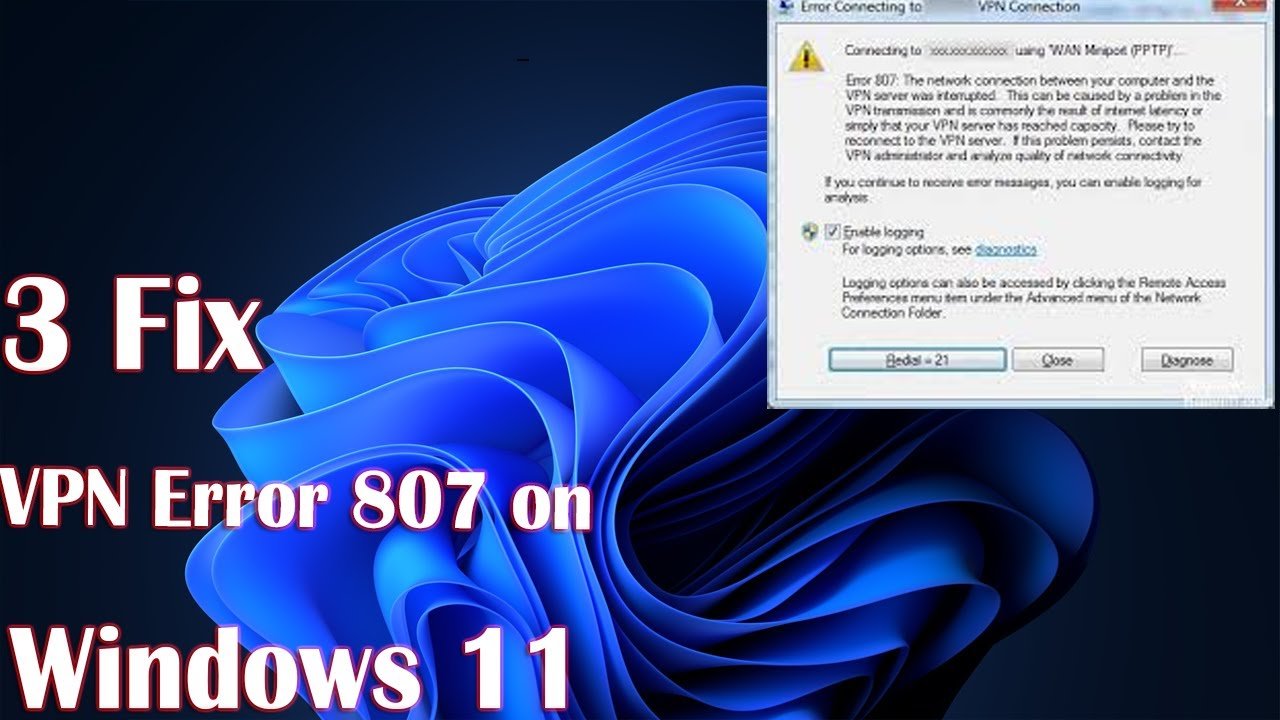
A VPN error 807 is a common issue that can disrupt your device performance. If you are experiencing a VPN error 807, this 2026 step-by-step diagnostic guide will help you troubleshoot and resolve the problem quickly.
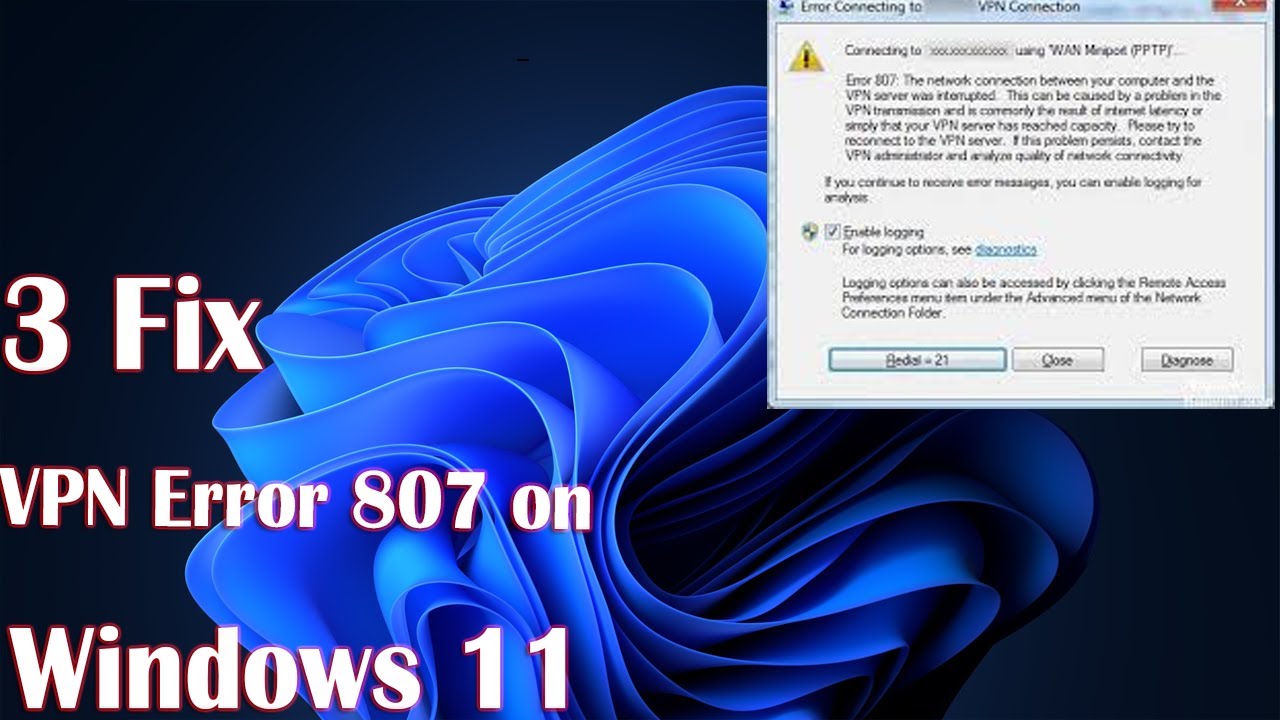
Understanding VPN Error 807
Encountering network failures can be stressful. Specifically, a VPN error 807 prevents your Windows machine from maintaining a stable tunnel with the remote server. However, understanding the underlying cause makes troubleshooting straightforward. For example, similar network and error diagnostics can be seen when dealing with Deco Error Code 88 issues.
Furthermore, this fault typically indicates that the network connection between your computer and the private server was dropped. Therefore, analyzing your current firewall configurations is a necessary starting point.

Diagnostic Comparison Table
Before diving into deep technical fixes, let us review how this issue compares to other common system disruptions. Consequently, this comparison helps identify whether the bottleneck lies in your router, local OS, or third-party software.
| Error Code | Primary Category | Common Trigger | Resolution Difficulty |
|---|---|---|---|
| VPN Error 807 | Network Security | Blocked Ports / Firewall | Moderate |
| Deco Error 88 | Mesh Connectivity | IP Assignment Fault | Easy |
| System Error 0x800b0109 | System Optimization | Invalid Certificate | Advanced |
For additional details regarding system certificates and secure authentications, you can check out our guide on Error 0x800b0109.
Firewall and Security Adjustments
Your local security suite is often the main culprit behind a stubborn VPN error 807. Initially, third-party antivirus applications might misinterpret secure tunneling as suspicious activity. Consequently, they abruptly terminate the connection session.
To fix this, temporarily disable your active antivirus firewall. Next, attempt to reconnect your virtual network. If successful, you must add an exclusion rule for your VPN client software. For more insights into hardware monitoring and network safeguards, read official documentation from Cisco Network Security.
Protocol Settings and Network Adapters
Another frequent catalyst for a VPN error 807 involves misconfigured tunneling protocols. Specifically, legacy protocols like PPTP require port 1723 to remain open. Therefore, verifying your router settings is essential.
Access your router dashboard and ensure that PPTP or L2TP passthrough is fully enabled. In addition, resetting your TCP/IP stack via Windows Command Prompt can clear lingering corruption.
Preventative Best Practices
Maintaining stable network connections requires ongoing maintenance. Specifically, keeping your network adapter drivers updated prevents future instances of a VPN error 807. Furthermore, avoid using public unsecured Wi-Fi without secondary protection layers.
Regularly clearing your local DNS cache also ensures smooth routing tables. Consequently, your machine will connect to remote gateways without encountering unexpected drops.
📺 Video Guide: How to Fix VPN Error 807 on Windows 11 – Step-by-Step Guide
Video walkthrough courtesy of Tech Bachhal on YouTube. Follow along with the visual steps above.
Frequently Asked Questions
Many users have questions regarding network stability and secure tunneling protocols. Below, we address the most common inquiries concerning these connectivity faults.
What causes VPN error 807 on Windows? This error usually stems from restrictive firewall settings, network routing issues, or blocked protocol ports like TCP 1723 for PPTP connections.
Can router settings trigger VPN error 807? Yes, older routers may lack PPTP or VPN passthrough features, which can terminate the secure tunnel prematurely and trigger connection faults.
How do I test my connection after fixing VPN error 807? After applying network fixes, flush your DNS cache, restart your active network adapter, and try reconnecting to your remote gateway.









[…] are functioning properly. For instance, you might experience overlapping system bugs similar to a VPN error 807 where tunnel handshakes fail […]