

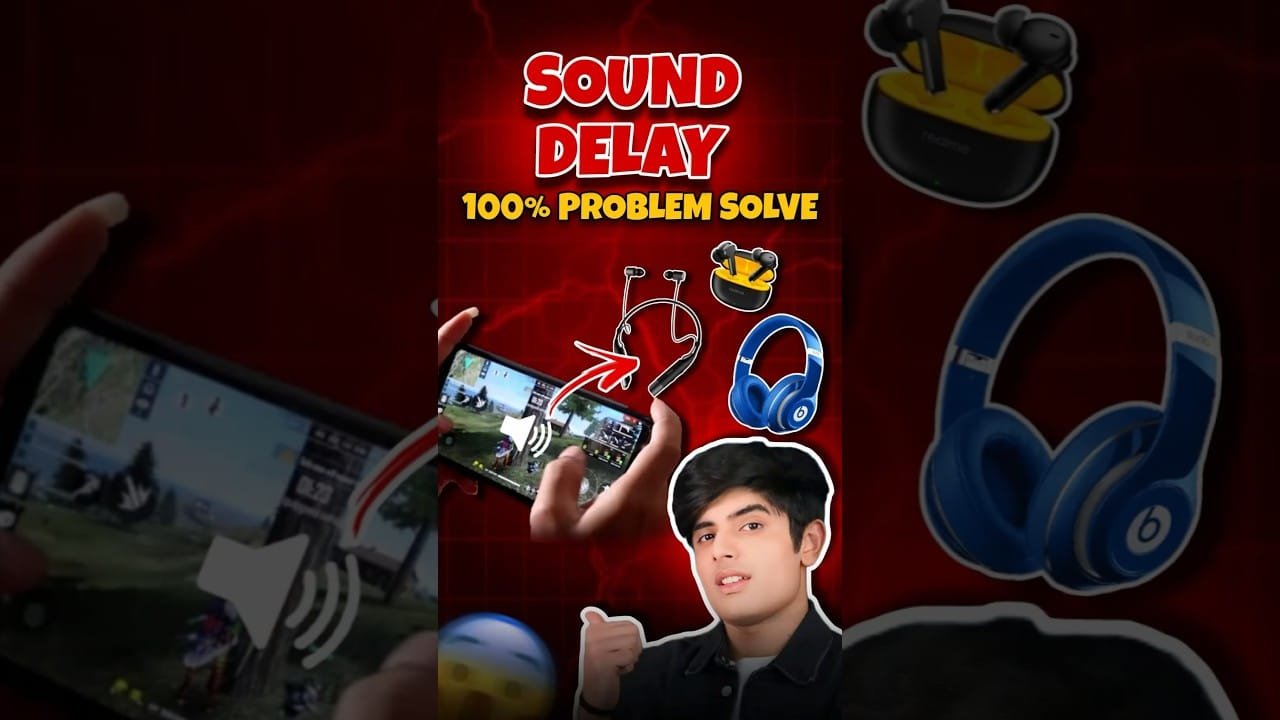
A Bluetooth audio sync delay is a common issue that can disrupt your device performance. If you are experiencing a Bluetooth audio sync delay, this 2026 step-by-step diagnostic guide will help you troubleshoot and resolve the problem quickly.
Understanding the Bluetooth Audio Sync Delay
This particular problem, often referred to as audio lag, occurs when the sound transmitted wirelessly via Bluetooth doesn’t match the video or action it’s supposed to accompany. It’s frustrating, especially when watching videos or playing games. Fortunately, most instances of Bluetooth audio sync delay are fixable with the right approach.
Furthermore, the complexity of wireless transmission means several factors can contribute to this audio sync delay. Identifying the root cause is the first step toward a solution. This guide will walk you through common culprits and effective fixes.
Common Causes of Audio Sync Delay
Several factors can lead to a noticeable Bluetooth audio sync delay. Interference from other wireless devices is a frequent offender. Additionally, older Bluetooth versions or outdated device firmware can cause compatibility issues, resulting in lag.
Moreover, the processing power of your connected devices plays a role. If your phone, tablet, or computer is struggling to process audio and video simultaneously, it can manifest as an audio sync delay. Sometimes, the issue lies with the Bluetooth audio device itself.
In addition, the distance between your devices can impact signal strength. A weak signal is more prone to interruptions and latency, contributing to the audio sync delay. Therefore, ensuring a clear line of sight and proximity is crucial.

Step-by-Step Bluetooth Audio Sync Delay Fixes
Initially, the simplest solution for an audio sync delay is to restart both your audio source device (e.g., phone, computer) and your Bluetooth audio device (e.g., headphones, speaker). This often clears temporary glitches.
Next, ensure that both your audio source and your Bluetooth device have the latest firmware or software updates installed. Manufacturers frequently release updates to improve performance and fix known issues, including those causing audio sync delay.
Specifically, unpair your Bluetooth device from your source and then re-pair it. This process refreshes the connection and can resolve persistent connectivity problems that lead to audio sync delay. Navigate to your device’s Bluetooth settings to initiate this.
Therefore, if the problem persists, try testing your Bluetooth audio device with a different source. This helps determine if the audio sync delay is specific to one device or a general issue with the Bluetooth accessory.
Troubleshooting Specific Device Issues
For smart TVs or computers, check for any audio processing settings that might be enabled. Features like surround sound simulation or audio enhancement can sometimes introduce latency. Disabling these can resolve the audio sync delay.
If you’re experiencing this with a gaming console, ensure its audio output settings are optimized for Bluetooth. Some consoles have specific modes or configurations for wireless audio that can minimize the Bluetooth audio sync delay.
In some cases, a factory reset of your Bluetooth audio device might be necessary. Consult your device’s manual for instructions on how to perform a factory reset. This can often clear internal software issues causing the audio sync delay.
Advanced Solutions for Persistent Audio Sync Delay
Consider using a dedicated Bluetooth transmitter/receiver if your device lacks robust Bluetooth capabilities. These external devices can sometimes offer better stability and lower latency, mitigating the audio sync delay.
Furthermore, investigate potential interference sources. Microwaves, other Wi-Fi networks, and even some USB 3.0 devices can interfere with Bluetooth signals. Try moving away from these or temporarily disabling them to see if the audio sync delay improves.
Finally, if you’ve tried all other solutions, the Bluetooth audio sync delay might be due to hardware limitations or a faulty component in either your source device or the Bluetooth accessory. In such cases, contacting the manufacturer or seeking professional repair might be the next step.
Diagnostic Comparison Table
| Symptom | Potential Cause | Troubleshooting Step |
|---|---|---|
| Audio lag in videos | Interference, Outdated Firmware | Restart devices, Update firmware |
| Lip-sync issues in games | Device Processing Power, Bluetooth Version | Unpair/Re-pair, Test with another source |
| Choppy audio | Weak Signal, Interference | Move closer, Reduce interference sources |
Preventative Best Practices
To minimize the chances of encountering a Bluetooth audio sync delay in the future, always keep your devices’ firmware updated. Regularly check for software updates for both your audio source and your Bluetooth accessories.
Moreover, when purchasing new Bluetooth devices, look for those that support the latest Bluetooth versions (e.g., Bluetooth 5.0 or higher) and low-latency codecs like aptX Low Latency. These technologies are specifically designed to reduce audio sync delay.
Finally, maintain a reasonable distance between your devices and avoid placing them near known sources of wireless interference. This proactive approach can significantly reduce the occurrence of Bluetooth audio sync delay.
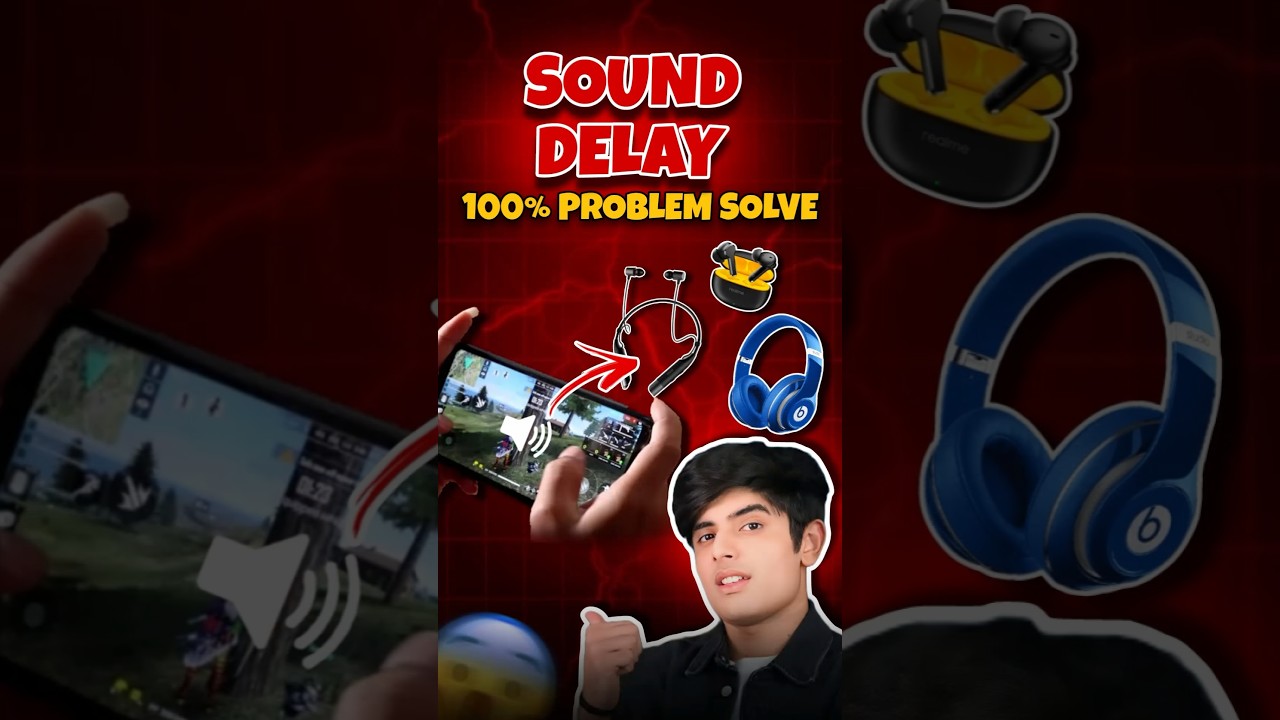
📺 Video Guide: HEADPHONE DELAY SOUND SOLVE #shorts #garenafreefire #trending #viral
Video walkthrough courtesy of Action Gaming Xyz on YouTube. Follow along with the visual steps above.
Frequently Asked Questions
Q: What causes Bluetooth audio sync delay?
A: Common causes include interference, outdated firmware, device compatibility issues, and processing limitations on either the transmitting or receiving device.
Q: How can I fix audio sync delay on my Bluetooth headphones?
A: Try restarting your devices, updating firmware, unpairing and re-pairing, or testing with a different audio source to resolve the audio sync delay.
Q: Is audio sync delay normal for Bluetooth?
A: While some minimal latency is inherent in Bluetooth, significant audio sync delay is not normal and usually indicates a problem that can be fixed.
For more advanced troubleshooting related to network connectivity, you might find our guide on the ASUS ZenWiFi Red Light Fix helpful, as network stability can sometimes indirectly affect audio streaming quality.
Additionally, if you encounter general connectivity problems that might impact streaming, our article on VPN Error 800 could offer relevant insights into network troubleshooting.
Understanding potential hardware issues is also key. For instance, if you’re experiencing problems with your display, our guide on Monitor No Signal might be relevant in a broader tech context.









[…] Bluetooth Audio Sync Delay: 2026 Complete Diagnostic Guide […]
[…] App developers frequently release updates to fix compatibility issues and improve stability. A Bluetooth Audio Sync Delay, for instance, might also be resolved with system […]