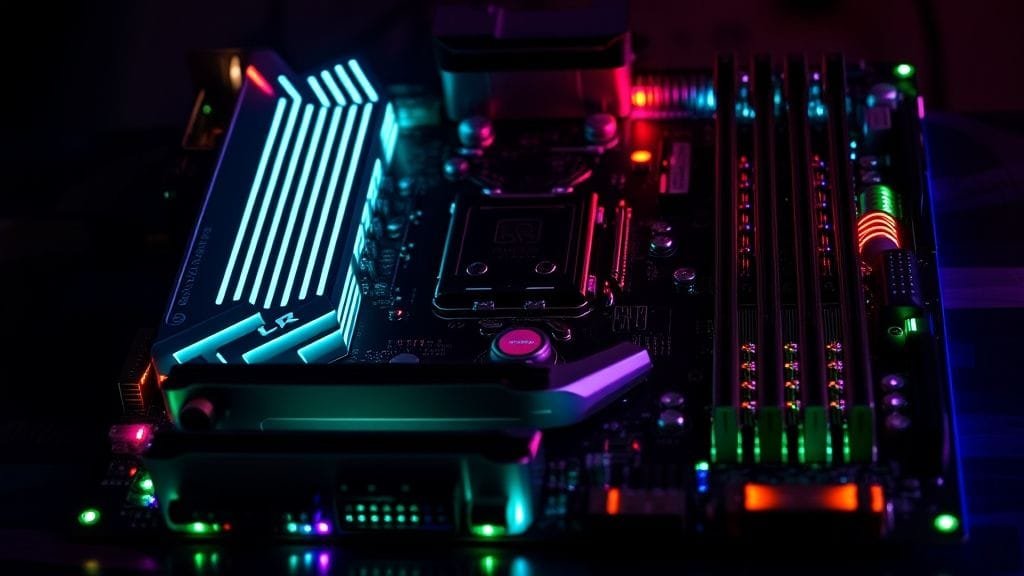
Choosing the right motherboard can feel like navigating a minefield. It’s the central nervous system of your PC, connecting every vital component; yet, its complexities often intimidate even seasoned builders. However, many simply pick one based on budget or brand loyalty, unaware of the critical factors that can make or break their system’s performance, stability, and upgrade potential. Therefore, this comprehensive Motherboard Buying Guide is designed to arm you with the knowledge you need, thus ensuring you avoid costly mistakes and build a PC that truly meets your needs, both now and in the future.

First, before you even think about hitting “add to cart,” let’s dive deep into the essential considerations. Indeed, we’ll uncover common pitfalls, decode key specifications, and separate fact from fiction when it comes to “future-proofing.” Ultimately, get ready to transform your approach to PC building, thereby making an informed decision that you won’t regret.
The Unseen Dangers: Common Motherboard Mistakes to Avoid
A motherboard is a delicate piece of engineering. Furthermore, mishandling or misconfigurations can lead to irreversible damage, effectively turning your dream build into a nightmare. Thus, understanding these common failure points is just as crucial as understanding specifications in your Motherboard Buying Guide journey.
The Silent Killers: Short Circuits and Power Surges
Imagine your motherboard as a tiny city with intricate electrical grids. Just like a city, it needs a stable power supply and clear pathways. Loose wiring, stray screws, or unintended contact with metal objects can create short circuits, which in turn can send a catastrophic electrical surge through sensitive components. Consequently, this often results in a “fried” motherboard, rendering it useless.
Moreover, unexpected power surges or voltage fluctuations from your home’s electrical grid can deliver a fatal shock to your system. These spikes can irreparably damage the delicate circuits, causing random crashes, boot failures, or complete system breakdown. Therefore, to safeguard your investment, consider using a proper surge protector or an uninterruptible power supply (UPS) with built-in voltage regulation.
The Heat is On: Overheating and Its Consequences
Heat is the enemy of electronics, and motherboards are no exception. Specifically, prolonged high-intensity usage, especially with powerful CPUs and GPUs, generates significant heat. If not managed properly, this heat accumulates, thereby leading to system instability, throttling, and a reduced lifespan for your motherboard and other components. Blocked ventilation, dust buildup, or insufficient case fans can severely hinder heat dissipation.
Hence, it’s vital to ensure adequate airflow within your PC case. Clean dust filters regularly and choose a case with good thermal design. Furthermore, your CPU cooler choice extends its benefits beyond just the CPU; it also impacts the surrounding VRMs (Voltage Regulator Modules) which also generate substantial heat. Ultimately, this makes cooling a crucial point in any effective Motherboard Buying Guide.
Compatibility Catastrophes: Mismatched Components
Attempting to install incompatible or low-quality components is another common route to motherboard damage. The most notorious example is forcing a CPU into the wrong socket or bending its delicate pins. Indeed, a bent CPU pin can easily render an entire motherboard unusable. Likewise, poorly seated RAM, incorrectly connected power cables, or using a CPU cooler that doesn’t properly fit can cause physical damage or prevent your system from booting.
Thus, always double-check compatibility charts provided by motherboard manufacturers for your CPU, RAM, and even certain coolers. Take your time during assembly, ensuring every component is seated correctly and all cables are securely connected to their designated ports. Ultimately, rushing often leads to expensive mistakes.
Handle with Care: The Importance of Proper Handling
Motherboards are robust in operation yet fragile during installation. Physical damage from accidental drops, scuffs, or applying too much pressure can easily disrupt circuit traces. Moreover, Electrostatic discharge (ESD) is another silent threat. A static shock, even though imperceptible to you, can send a destructive jolt through sensitive electronics. Consequently, this can damage components immediately or alternatively cause intermittent issues that are difficult to diagnose.
Therefore, to prevent ESD, always work on a clean, non-conductive surface, and considerably use an anti-static wrist strap. Touch a grounded metal object (like your PC case before plugging it in) frequently to discharge static buildup. Perhaps most importantly, read your motherboard’s manual cover-to-cover before you start handling it. It contains vital information on installation, clearances, and precautions, thus acting as an indispensable companion to any Motherboard Buying Guide.
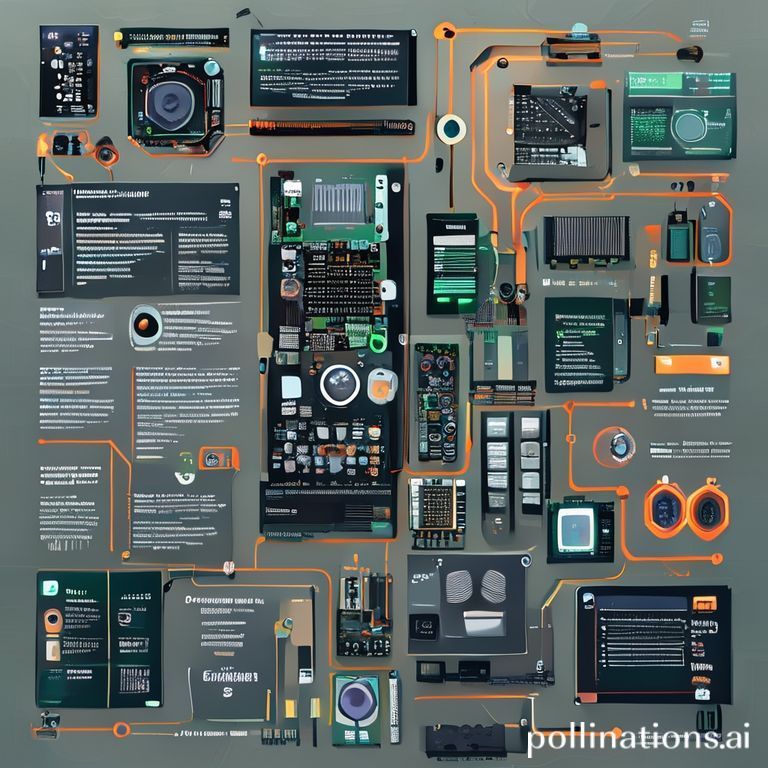
An infographic illustrating common motherboard failure points and how to prevent them (e.g., icons for short circuit, power surge, overheating, incompatible components, ESD, with corresponding protective measures)
Your Essential Motherboard Buying Guide Checklist
Now that we’ve covered what not to do, let’s explore what you should look for. This section, in effect, is your definitive Motherboard Buying Guide checklist, detailing the critical factors that will dictate your PC’s performance, stability, and future upgrade path.
The Heart of the Matter: CPU Socket and Chipset
The CPU socket is arguably the most critical factor. Indeed, it determines which processors your motherboard can support. Specifically, both AMD and Intel use proprietary sockets, and these often change with new generations of CPUs. For example, AMD’s AM5 platform offers a commendable commitment to longevity, promising support for new CPUs through 2027 and beyond. This allows users to potentially upgrade their CPU later without needing a new motherboard, often just a BIOS update.
Intel, on the other hand, has historically changed sockets more frequently (e.g., LGA 1700 to LGA 1851 for upcoming Arrow Lake CPUs), consequently often necessitating a new motherboard for significant CPU upgrades. Therefore, when choosing a motherboard, understand the current socket and its future prospects. The chipset, meanwhile, working in tandem with the CPU, dictates features like overclocking capabilities, the generation of PCIe support, and the available connectivity options. Ultimately, carefully evaluate which chipset best suits your performance and feature requirements within this Motherboard Buying Guide.
Fitting In: Form Factor and Case Compatibility
Motherboards come in various sizes, known as form factors, which must match your PC case. The most common sizes, in fact, include E-ATX (Extended ATX), standard ATX, Micro-ATX, and Mini-ITX. Among these, standard ATX is a highly popular choice for many users, particularly for gaming and streaming setups, offering an excellent balance of size and expansion slots.
Micro-ATX boards are smaller, suitable for more compact builds but with fewer expansion options. Meanwhile, Mini-ITX boards are the smallest, perfect for ultra-compact systems, but they severely limit expansion and sometimes power delivery. Consequently, always check your PC case’s specifications to ensure it can accommodate your chosen motherboard’s form factor. This ensures physical compatibility, which is a fundamental step in any Motherboard Buying Guide.
Memory Lane: RAM Support (DDR4 vs. DDR5)
RAM support is another crucial consideration. Most modern motherboards, particularly for new builds in 2024 and 2025, now support DDR5 RAM. Significantly, DDR5 offers significantly higher bandwidth and improved performance compared to its predecessor, DDR4. While DDR4 systems are still viable for budget-conscious builds or older platforms, DDR5 is the clear choice for optimal performance and future compatibility.
Thus, ensure your chosen motherboard supports the specific RAM type (DDR4 or DDR5) and the desired RAM speeds (measured in MHz or MT/s). Consequently, higher speeds generally translate to better performance, especially for tasks like gaming and content creation. Pay attention to the number of RAM slots available, since this dictates your maximum memory capacity.
Expanding Your Horizons: PCIe, M.2, and SATA
Expansion slots determine what additional cards you can add to your system. Look for adequate PCIe slots, especially for your graphics card (GPU) and any other add-in cards like sound cards, capture cards, or network cards. Furthermore, PCIe 5.0 is becoming standard on high-end chipsets, offering double the bandwidth of PCIe 4.0. While current graphics cards may not fully utilize PCIe 5.0, it provides headroom for future GPU generations.
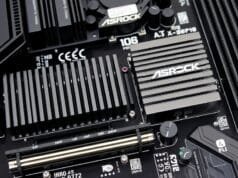
As for storage, the number and type of M.2 NVMe SSD slots are paramount. Indeed, these super-fast drives are essential for system responsiveness and game loading. Prioritize motherboards with multiple M.2 slots, preferably with dedicated heatsinks, especially if you plan to use high-performance PCIe 5.0 SSDs, since they can generate considerable heat. Moreover, don’t forget traditional SATA ports for older SSDs and hard drives. This balance, ultimately, is key for a well-rounded Motherboard Buying Guide.
Connectivity Is Key: Ports and Wireless Options
Consider the array of ports available on the rear I/O panel. First, you’ll want multiple USB 3.2 ports (both Type-A and Type-C) for various peripherals. Moreover, Thunderbolt connectivity is a bonus for high-speed data transfer and daisy-chaining devices. Additionally, ensure there are sufficient audio ports, and if you plan to use integrated graphics, HDMI and DisplayPort outputs are necessary.
Ethernet ports (preferably 2.5GbE or 5GbE for faster network speeds) are essential for wired internet. Conversely, if you prefer wireless convenience, look for integrated Wi-Fi and Bluetooth capabilities. Wi-Fi 6E or Wi-Fi 7 offers the latest in wireless performance. Ultimately, evaluate your peripheral needs carefully, as insufficient ports can quickly become a bottleneck.
Powering Your Performance: VRMs and Power Delivery
The Voltage Regulator Modules (VRMs) are responsible for delivering clean, stable power to your CPU. Indeed, a robust VRM design with sufficient power phases and good quality components is crucial, especially if you’re using a high-core-count CPU or plan on overclocking. Consequently, weak VRMs can lead to unstable performance, throttling under heavy load, and a shorter lifespan for your CPU.
Therefore, review professional reviews for VRM benchmarks, as manufacturers often boast impressive-sounding numbers that don’t always translate to real-world performance. A well-designed power delivery system ensures your CPU can consistently operate at its peak, thus making it a non-negotiable aspect of your Motherboard Buying Guide.
Keeping Cool: VRM and M.2 Cooling
While CPU cooling gets most of the attention, effective cooling for other components on your motherboard is increasingly important. As mentioned earlier, VRMs generate significant heat, so look for motherboards with substantial heatsinks covering the VRM area. These help dissipate heat and thereby maintain stable power delivery.
Similarly, high-performance M.2 NVMe SSDs, particularly those utilizing PCIe 5.0, can run very hot, leading to thermal throttling and reduced performance. Many modern motherboards now include dedicated heatsinks for their M.2 slots, which is a feature worth prioritizing to ensure your fast storage devices maintain optimal speeds.
Beyond Specs: Aesthetics and BIOS/UEFI
While subjective, the visual style of a motherboard can be important, especially for builds with transparent side panels. RGB lighting, color schemes, and general layout contribute to the overall aesthetic. However, don’t let looks overshadow performance and features.
The BIOS/UEFI interface is another often-overlooked aspect. Indeed, a user-friendly, intuitive BIOS/UEFI makes it easier to configure settings, update firmware, and troubleshoot issues. Some manufacturers offer more refined and accessible interfaces than others. Therefore, check reviews for insights into the BIOS experience, as this can greatly impact your long-term interaction with the system.

The Elusive Dream: Future-Proofing Your Motherboard
The concept of “future-proofing” a PC build is a perpetual debate among enthusiasts. However, is it a realistic goal, or a costly delusion? Ultimately, our Motherboard Buying Guide addresses both sides.
The Case for Longevity: When Future-Proofing Works
Some argue that a carefully selected motherboard can indeed extend the life and upgrade compatibility of your PC. Specifically, a prime example is AMD’s commitment to socket longevity with platforms like AM5. Consequently, choosing an AM5 board now means you could potentially upgrade your CPU several years down the line with just a BIOS update, thereby saving you the cost and hassle of a full motherboard swap.
Similarly, opting for a motherboard with the latest PCIe generation (e.g., PCIe 5.0) and DDR5 RAM support can prepare your system for upcoming component advancements. While current GPUs might not fully utilize PCIe 5.0, future generations likely will. Investing in these leading-edge features might allow you to upgrade individual components (like a GPU or CPU) without bottlenecking your system on an older platform. This approach, though not perfect, aims to maximize your upgrade options within a reasonable timeframe.
The Harsh Reality: Limitations of Future-Proofing
Despite the allure, many experts suggest that true “future-proofing” is an unrealistic and often uneconomical goal due to the relentless pace of technological advancement. For instance, new technologies, improved specifications, and significant changes in I/O standards (like new USB generations or Thunderbolt evolutions) often necessitate entirely new motherboard designs within a few short years. What seemed “future-proof” just a few years ago can quickly become obsolete.
In fact, spending extra money on the absolute top-tier features for a “future-proof” board might not be cost-effective. Instead, that extra investment could often be better spent on upgrading to current-gen technology later when your needs evolve. Some builders argue that, at most, one CPU upgrade can realistically be expected from a motherboard before a complete platform replacement becomes more sensible. Therefore, a pragmatic Motherboard Buying Guide approach suggests focusing on your current needs and a realistic short-to-medium-term upgrade strategy rather than chasing an unattainable ideal.

Making the Smart Choice: Your Final Motherboard Decision
Ultimately, the goal of this Motherboard Buying Guide is to empower you to make a smart, informed decision that aligns with your specific needs and budget. It’s about balance: specifically, balancing current performance with potential future growth, and balancing cost with reliability.
When you’re ready to make that final choice, synthesize all the knowledge you’ve gained. First, re-evaluate your CPU choice, making sure the socket and chipset are perfectly compatible. Next, consider your desired form factor to fit your case, and ensure the board supports modern memory standards like DDR5. Also, pay close attention to expansion options – enough PCIe slots for your GPU and other cards, and ample M.2 slots for blazing-fast storage. Furthermore, don’t forget crucial connectivity, from USB ports to integrated Wi-Fi. Most importantly, prioritize robust power delivery (VRMs) and effective cooling for these vital components, thus ensuring system stability and longevity.

Ultimately, remember, the best approach isn’t always about buying the most expensive or feature-rich board. Rather, it’s about choosing a reputable model that precisely meets your current computing demands, offers a realistic upgrade path (especially with platforms like AMD’s AM5), and has the necessary features and connectivity without overspending on aspects you’ll never use.
Conclusion: Empowering Your PC Build Journey
The warning, “Don’t Buy a Mobo Until You See This,” highlights the profound impact your motherboard choice has on your entire PC experience. It’s not just a circuit board; instead, it’s the foundation upon which your system’s performance, stability, and future versatility are built. By diligently researching CPU socket compatibility, understanding form factors, ensuring modern memory support (DDR5), assessing chipset features, and planning for adequate expansion and storage, you lay a solid groundwork.
Beyond specifications, however, recognizing and avoiding common handling mistakes like short circuits, power surges, and overheating is equally crucial for protecting your investment. While the dream of “future-proofing” remains elusive, selecting a motherboard with robust power delivery, effective cooling, and a thoughtful upgrade path—especially through platforms designed for longevity—can provide a comforting degree of future readiness.
In conclusion, we hope this Motherboard Buying Guide has equipped you with the confidence and clarity to make an excellent choice. Now, what’s the single most important factor you consider when selecting a motherboard for your PC build? Share your thoughts and experiences below!