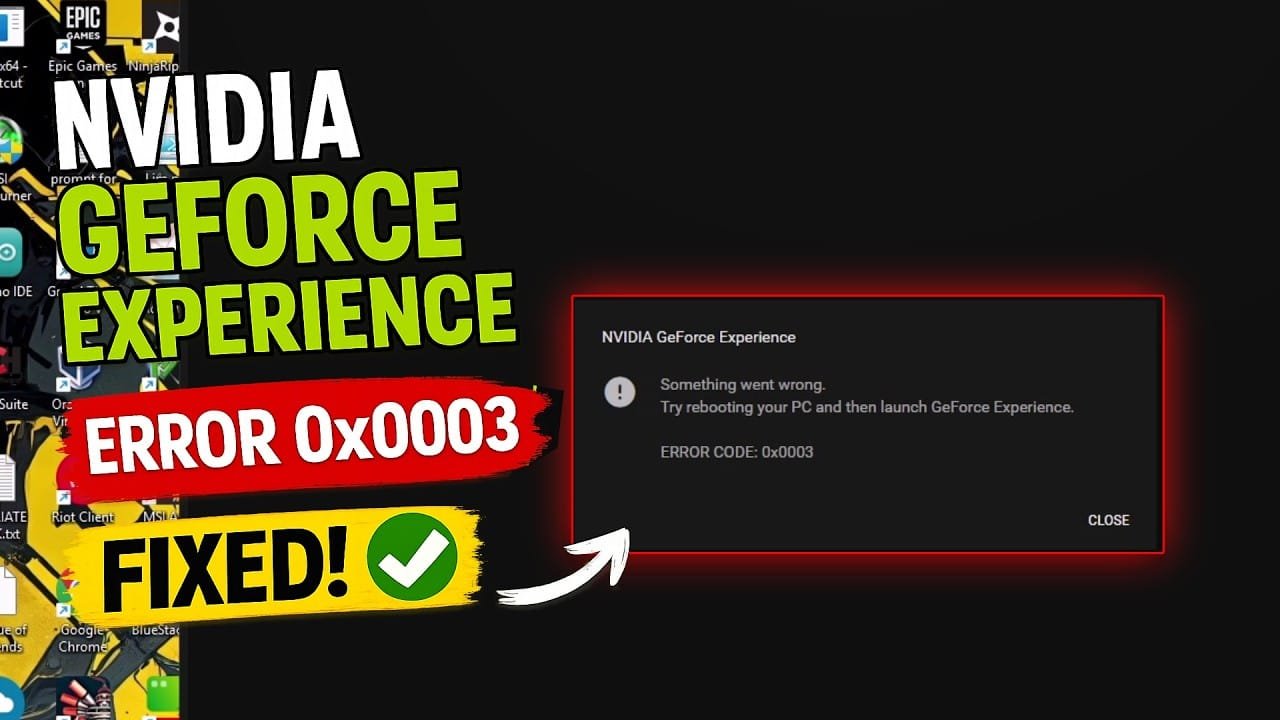
A GeForce Experience Error 0x0003 is a common issue that can disrupt your device performance. If you are experiencing a GeForce Experience Error 0x0003, this 2026 step-by-step diagnostic guide will help you troubleshoot and resolve the problem quickly.
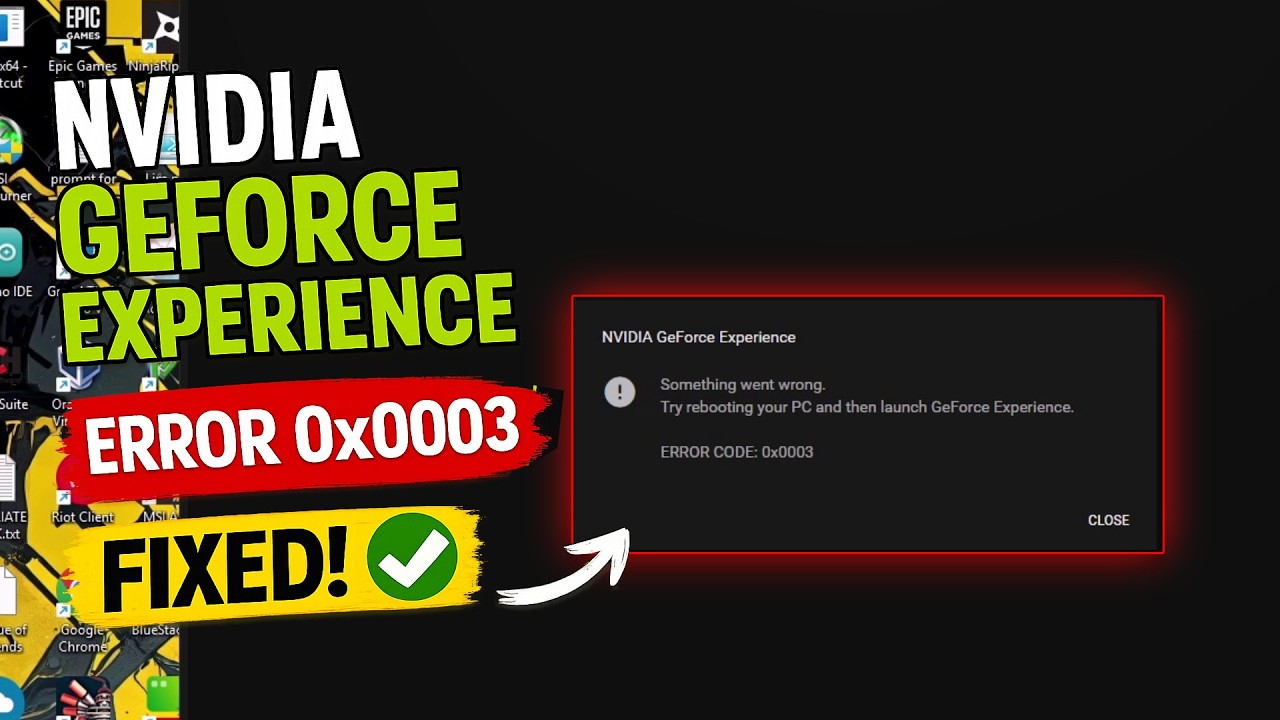
Table of Contents
- Understanding GeForce Experience Error 0x0003 Causes
- Diagnostic Comparison Table
- Step-by-Step GeForce Experience Error 0x0003 Fixes
- Advanced GeForce Experience Error 0x0003 Methods
- Hardware Diagnostic Procedures
- Preventative Maintenance Tips
- Frequently Asked Questions
Understanding GeForce Experience Error 0x0003 Causes
To solve this bug effectively, you must first understand why it occurs on Windows. Specifically, Nvidia relies on multiple background services that interact directly with graphics hardware and network layers.
When the Nvidia Telemetry Container service loses administrative access or crashes, Windows blocks application launch, triggering the GeForce Experience Error 0x0003 on Windows systems. In addition, corrupted network adapter cache or damaged graphics drivers can trigger identical failure codes.
Furthermore, major Windows updates frequently reset service permissions. Consequently, crucial driver tasks lose interaction rights with the active desktop interface, causing background initialization failures.
Diagnostic Comparison Table
Review the comparison matrix below to determine which solution fits your current technical scenario best.
| Solution Method | Technical Difficulty | Estimated Time | Success Rate |
|---|---|---|---|
| Restart Telemetry Services | Beginner | 3 Minutes | High (75%) |
| Winsock & Network Reset | Intermediate | 5 Minutes | Moderate (60%) |
| Clean DDU Reinstallation | Advanced | 15 Minutes | Very High (95%) |
Step-by-Step GeForce Experience Error 0x0003 Fixes
Initially, you should force-restart all background Nvidia services through the built-in Windows management console. This eliminates soft locks without requiring a system reboot.
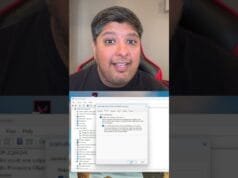
Press the Windows Key + R simultaneously to open the Run command window. Type services.msc inside the box and press Enter to launch Windows Services.
Locate Nvidia Telemetry Container in the list. Right-click the service, navigate to Properties, select the Log On tab, and check the box marked Allow service to interact with desktop.
Therefore, click Apply and OK. Next, right-click Nvidia Telemetry Container, Nvidia Display Container LS, and Nvidia LocalSystem Container, then click Restart on each entry.
Advanced GeForce Experience Error 0x0003 Methods
If service adjustments fail, network protocol corruption is likely causing communication drops between your local GPU suite and cloud servers. Follow these command steps to restore connectivity.
Search for Command Prompt in your Start Menu. Right-click the icon and choose Run as Administrator to grant full executive privileges.
Type netsh winsock reset and press Enter. Once executed, type ipconfig /flushdns and hit Enter once more to clear corrupted network routing data.
Finally, restart your system completely. This dual action repairs corrupted socket pathways, effectively resolving your GeForce Experience Error 0x0003 permanently.
Alternatively, perform a clean driver cleanup. Download official software directly from the Nvidia Official Website, remove old drivers with Display Driver Uninstaller, and execute a fresh install.
Hardware Diagnostic Procedures
In rare instances, underlying system hardware instability triggers software daemon crashes. While addressing the GeForce Experience Error 0x0003, you should also check hardware health to avoid recurring system instability.
For example, excessive thermal buildup on your graphics processor can cause driver timeouts. Check our GPU Hotspot Temperature guide to diagnose thermal issues accurately.
Similarly, unexpected fan behavior may signal power delivery problems. Consult our GPU Fan Spinning Fast repair manual to resolve hardware cooling anomalies.
Preventative Maintenance Tips
To prevent future driver crashes, maintain regular Windows system updates and avoid force-closing background processes. In addition, regularly audit motherboard diagnostic LEDs if your computer fails POST.
If motherboard diagnostic LEDs trigger unexpectedly during boot sequences, refer to our guide on White VGA Light troubleshooting for immediate hardware diagnostics.
Moreover, always ensure that your GPU power cables are securely fastened to prevent voltage drops under heavy gaming loads.
📺 Video Guide: NVIDIA GeForce Experience Something Went Wrong Error Code 0x0003 Fix (100% Working)
Video walkthrough courtesy of Babin Meitei on YouTube. Follow along with the visual steps above.
Frequently Asked Questions
What triggers the Nvidia GeForce Experience Error 0x0003?
This error is primarily caused by halted Nvidia Telemetry Container services, corrupted display drivers, missing administrative privileges, or network configuration conflicts on Windows.
Will reinstalling GeForce Experience delete my saved game settings?
No, reinstalling the software will not delete your actual game saves, although custom graphics profiles and game optimization presets may need to be re-scanned.
Can hardware issues like GPU overheating trigger software error code 0x0003?
While software corruptions are the main cause, unstable GPU hardware or thermal throttling can force background driver services to crash unexpectedly.