A rtx 5080 red VGA light is a common issue that can disrupt your device performance. If you are experiencing a rtx 5080 red VGA light, this 2026 step-by-step diagnostic guide will help you troubleshoot and resolve the problem quickly.
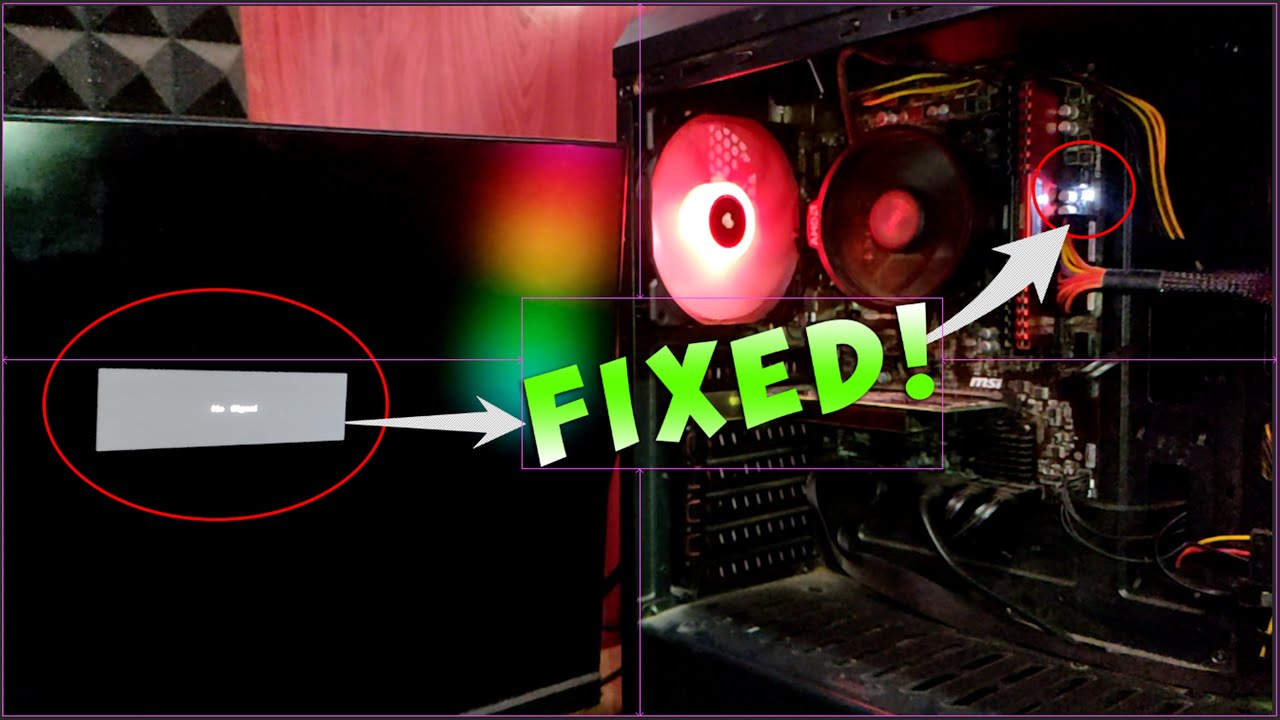
Table of Contents
Understanding the rtx 5080 red VGA light
Building a high-end gaming rig brings immense satisfaction. However, encountering hardware errors can quickly turn excitement into frustration. Specifically, modern motherboards feature diagnostic LEDs to help pinpoint boot failures. When you power on your system and notice a persistent red indicator, it usually signals a critical hardware handshake failure.
Furthermore, understanding the exact boot sequence helps isolate the culprit. Motherboards typically cycle through CPU, DRAM, VGA, and BOOT checks. If the sequence halts at the graphics card, you are likely dealing with an rtx 5080 red VGA light situation. Therefore, identifying the root cause requires methodical hardware inspection.
For related driver troubleshooting on other platforms, you can review our AMD Radeon Driver Timeout Error Fix: 2026 Complete Guide. In addition, software corruption like nvlddmkm sys error: 2026 Complete Diagnostic Guide can sometimes present similar display instability symptoms.
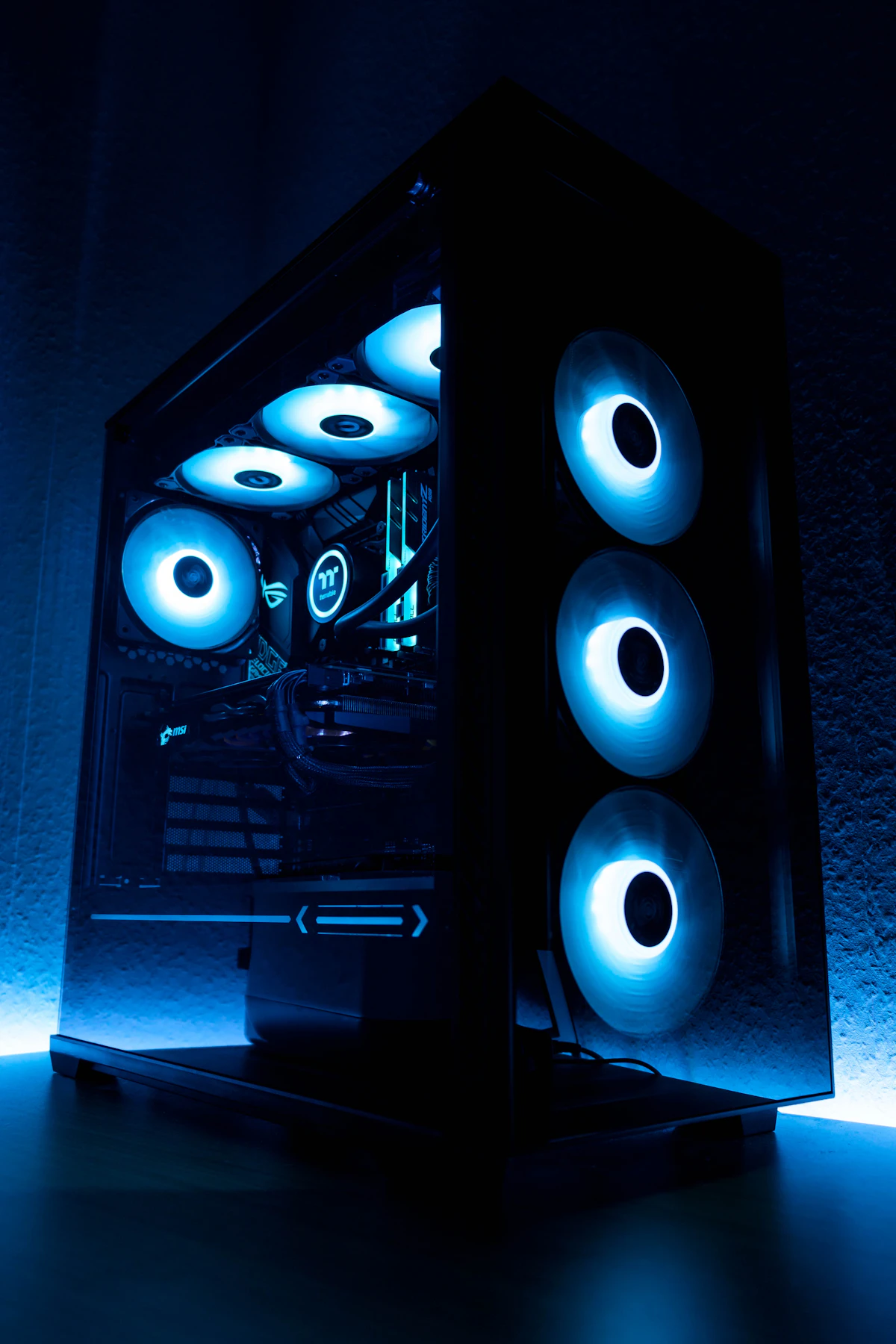
Diagnostic Comparison Table
To assist your troubleshooting process, the following comparison table outlines various startup debug symptoms and their respective hardware implications. Consequently, you can match your specific motherboard behavior to the most accurate solution.
| Debug LED State | Potential Hardware Failure | Recommended Initial Action |
|---|---|---|
| Red VGA Light | GPU connection or power delivery fault | Reseat GPU and check 12V-2×6 cables |
| Yellow DRAM Light | Memory stick improperly seated or unstable | Test single RAM sticks in secondary slots |
| White CPU Light | CPU socket pins bent or cooler overtightened | Inspect CPU socket and loosen cooler slightly |
Resolving the rtx 5080 red VGA light Error
When tackling an rtx 5080 red VGA light, patience is paramount. Initially, disconnect your power supply cable from the wall outlet to ensure safety. Next, open your PC chassis and locate the primary PCIe slot holding your heavy graphics card.
Because high-end GPUs are exceptionally heavy, sagging can occasionally break electrical contact. Therefore, press the PCIe retention clip and gently pull the card straight out. Inspect the gold contact fingers for any debris or manufacturing imperfections before reinstalling it firmly until you hear an audible click.
In addition to physical seating, power delivery is a frequent culprit. Ensure your power supply unit’s 12V-2×6 or PCIe cables are securely clicked into both the GPU and the PSU modular headers. For further reading on hardware standards, consult the USB Implementers Forum for related interface specifications.
Preventative Best Practices
Preventing future hardware faults requires proper assembly habits and routine maintenance. Specifically, always use a sturdy GPU support bracket to eliminate physical sagging on your motherboard’s PCIe slot. Furthermore, ensure your power supply meets the minimum wattage recommendations specified by manufacturers.
Dust accumulation can also cause intermittent electrical shorts inside high-performance systems. Therefore, clean your dust filters monthly and use compressed air to keep your component heatsinks pristine. Consequently, maintaining optimal operating temperatures prolongs the lifespan of your expensive hardware components.
Frequently Asked Questions
Navigating advanced PC diagnostics can raise several questions. Below, we address the most common inquiries regarding troubleshooting stubborn motherboard debug indicators and graphics card initialization failures.
What causes an rtx 5080 red VGA light on my motherboard?
This diagnostic LED typically triggers when the motherboard fails to detect the graphics card properly due to seating issues, insufficient power, or outdated BIOS versions.
How do I fix an rtx 5080 red VGA light at home?
Initially, power down your PC, reseat the graphics card in its PCIe slot, secure all 12V-2×6 power cables, and clear your CMOS if necessary.
Could a faulty power supply trigger an rtx 5080 red VGA light?
Yes, insufficient wattage or a damaged PCIe power cable can prevent the graphics card from initializing, resulting in a persistent debug LED error.
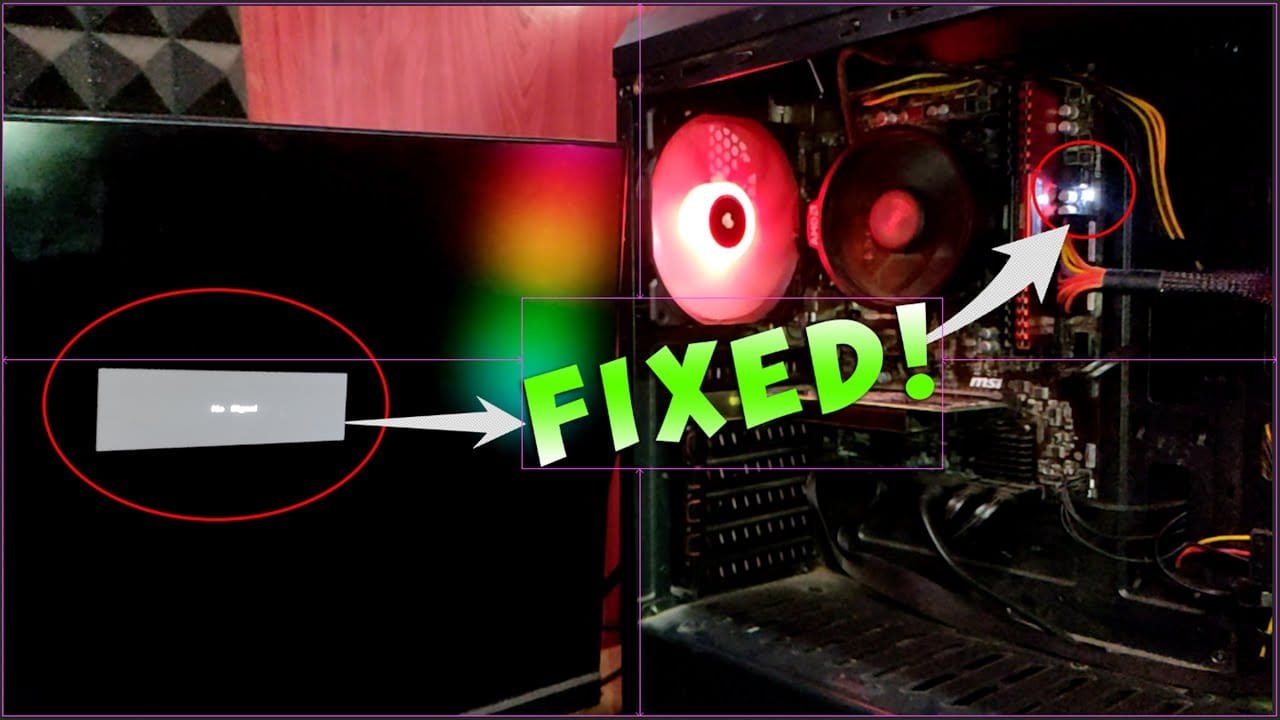
📺 Video Guide: Solved: No Signal on monitor and VGA Light on Motherboard
Video walkthrough courtesy of Babin Meitei on YouTube. Follow along with the visual steps above.