A Budget 1440p GPU is essential for gamers looking to experience high-resolution visuals without an exorbitant cost in 2026. As display technology advances, more gamers are upgrading to 1440p (QHD) resolutions for a sharper, more immersive experience. However, achieving smooth frame rates at this resolution typically requires a capable graphics card, which can often be a significant investment. Fortunately, the market offers several excellent budget-friendly options that deliver impressive performance for 1440p gaming. This guide will help you navigate the choices and find the best budget 1440p GPU for your needs.

⚡ Quick Answer:
The best budget 1440p GPU for 2026 balances price and performance for high-resolution gaming. Look for cards offering at least 8GB VRAM and modern architectures like AMD’s RDNA 3 or Nvidia’s Ada Lovelace for smooth frame rates. Prioritize value over raw power.
📑 Table of Contents
Understanding 1440p Gaming Requirements
Initially, let’s clarify what 1440p gaming entails. Also known as QHD or WQHD, this resolution offers a significant visual upgrade over 1080p (Full HD). It boasts 78% more pixels, resulting in sharper images, more detailed textures, and a generally more immersive gaming experience. However, rendering more pixels demands more graphical power from your GPU. Therefore, a card that performs admirably at 1080p might struggle at 1440p, especially in graphically intensive titles.
Furthermore, the demands of 1440p gaming extend beyond just resolution. Modern games often feature complex lighting, high-resolution textures, and advanced effects like ray tracing. To handle these, a graphics card needs sufficient VRAM (Video Random Access Memory) and processing cores. For 1440p, a minimum of 8GB of VRAM is generally recommended, though 10GB or 12GB provides more headroom for future titles and higher settings. Consequently, when looking for a budget 1440p GPU, VRAM capacity should be a primary consideration.
VRAM: The Crucial Component
Specifically, VRAM acts as a high-speed buffer for textures, frame buffers, and other graphical data. When a game needs to access data that isn’t currently in the VRAM, it has to retrieve it from slower system RAM, leading to stuttering and performance drops. This is particularly noticeable at higher resolutions like 1440p where larger textures are often used. Therefore, prioritizing a card with ample VRAM is paramount for a smooth 1440p experience, even if it means slightly compromising on raw core count within a budget.
Processing Power vs. VRAM
In addition, balancing processing power (measured by core count, clock speeds, etc.) with VRAM is key. A GPU with a very powerful core but insufficient VRAM will be bottlenecked. Conversely, a card with plenty of VRAM but a weaker core will struggle to push frames even with low-resolution textures. For budget 1440p gaming in 2026, the sweet spot often lies in finding a card that offers a good compromise, typically leaning towards sufficient VRAM with capable, albeit not top-tier, processing power.
Top Budget 1440p GPU Picks for 2026
Now, let’s dive into some of the best budget 1440p GPU options expected to be available and relevant in 2026. Keep in mind that pricing and availability can fluctuate, but these models generally represent strong value propositions.
AMD Radeon RX Series
AMD has consistently offered competitive options in the budget and mid-range segments. For 1440p gaming on a budget, cards like the AMD Radeon RX 7600 XT or its potential successors are strong contenders. These cards typically offer a good amount of VRAM (often 12GB or more in the XT variants) and solid performance in rasterization, which is the traditional rendering method. Furthermore, AMD’s RDNA 3 architecture brings efficiency improvements and decent ray tracing capabilities, though it generally trails Nvidia in that specific area.
Nvidia GeForce RTX Series
Nvidia’s budget offerings often focus on features like DLSS (Deep Learning Super Sampling) and superior ray tracing performance. For 2026, consider models like the Nvidia GeForce RTX 4060 or its potential successor. While the RTX 4060 typically comes with 8GB of VRAM, Nvidia’s DLSS technology can significantly boost frame rates at 1440p by rendering at a lower resolution and intelligently upscaling. This makes it a viable option for budget 1440p gaming, especially in titles that support DLSS. However, users might encounter issues if they need more VRAM for specific applications or games, similar to how one might investigate an Nvidia error code 43.
Intel Arc Series
Intel’s entry into the discrete GPU market with their Arc series has been promising. Cards like the Intel Arc A750 or A770, particularly the variants with 16GB of VRAM, can offer excellent value for 1440p gaming. Initially, driver support was a concern, but Intel has made significant strides. Consequently, these cards are becoming increasingly competitive, offering strong performance in modern APIs like DirectX 12 and Vulkan. For budget-conscious gamers, the Arc A770 16GB is particularly noteworthy for its VRAM capacity.
Performance Benchmarks & Expectations
When evaluating a budget 1440p GPU, it’s crucial to set realistic expectations. The goal is generally to achieve playable frame rates (ideally 60 FPS or higher) at medium to high settings in most modern games. For less demanding esports titles, you can expect even higher frame rates, potentially pushing towards 100+ FPS, especially with competitive settings.
Rasterization Performance
Rasterization is the standard method of rendering 3D graphics. For budget cards in 2026, expect them to handle most titles at 1440p with settings adjusted. For example, a card like the RX 7600 XT might deliver around 60-80 FPS in many AAA games at high settings, while the RTX 4060 might achieve similar numbers, especially when DLSS is enabled. The Arc A770 16GB can also compete strongly in this regard, sometimes exceeding the others in specific titles due to its VRAM advantage.
Ray Tracing Considerations
Ray tracing offers significantly more realistic lighting, reflections, and shadows, but it is extremely demanding on GPU hardware. Budget cards will struggle considerably with ray tracing enabled at 1440p. While Nvidia generally leads in ray tracing performance, even their budget offerings will require significant compromises, often necessitating the use of DLSS in performance modes to achieve playable frame rates. AMD and Intel GPUs are improving, but ray tracing remains a premium feature. Therefore, if ray tracing is a high priority, a budget 1440p GPU might not be the ideal choice.
Upscaling Technologies
Upscaling technologies like Nvidia DLSS, AMD FSR (FidelityFX Super Resolution), and Intel XeSS are game-changers for budget 1440p gaming. They allow the GPU to render the game at a lower internal resolution and then use AI or sophisticated algorithms to upscale the image to the target 1440p resolution. This provides a substantial performance boost with minimal perceived loss in image quality. Consequently, when choosing a GPU, consider which upscaling technologies are supported by the games you play and how well the GPU implements them.
Key Features to Consider
Beyond raw performance, several other factors are important when selecting a budget 1440p GPU.
VRAM Capacity
As previously emphasized, VRAM is critical. For 1440p, aim for at least 8GB, but 10GB or 12GB is preferable for longevity and higher settings. This is especially true for titles that are known to be VRAM-hungry. For instance, games with extensive open worlds or high-resolution texture packs will benefit greatly from more VRAM.
Power Consumption and PSU Requirements
Budget GPUs are generally more power-efficient than their high-end counterparts. However, always check the recommended power supply unit (PSU) wattage. Ensure your existing PSU can handle the new GPU’s requirements, plus the rest of your system components. A sudden power draw issue could potentially lead to system instability, much like a router experiencing a red WAN light.
Cooling and Noise Levels
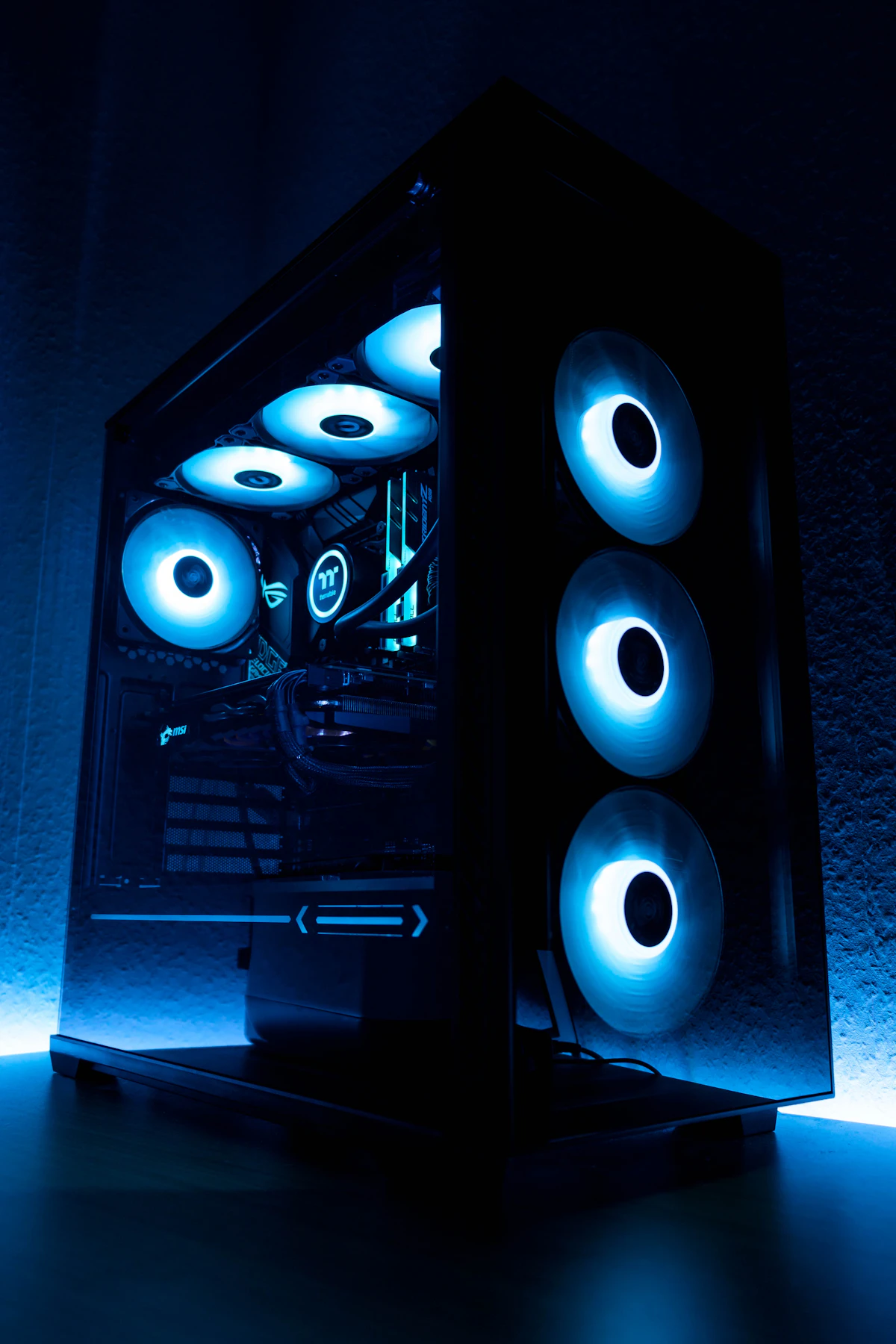
Budget cards may come with simpler cooling solutions. Consider reviews that discuss thermal performance and noise levels. A card that runs too hot might throttle its performance, and a loud fan can be distracting. Some models might offer better cooling designs than others, even within the same GPU tier.
Connectivity and Ports
Ensure the card has the necessary display outputs for your monitor(s), such as DisplayPort 1.4 or HDMI 2.1. Most modern GPUs will support these, but it’s always good to double-check, especially if you have specific multi-monitor setups or high-refresh-rate displays.
Troubleshooting Common GPU Issues
Even with a new budget 1440p GPU, you might encounter occasional issues. Here are a few common problems and their solutions.
Driver Issues
Outdated or corrupted graphics drivers are a frequent cause of performance problems or instability. Always ensure you have the latest drivers installed from the manufacturer’s website (Nvidia, AMD, or Intel). If you experience persistent issues, try performing a clean installation of the drivers using tools like Display Driver Uninstaller (DDU).
Overheating
If your GPU is overheating, first ensure your PC case has adequate airflow. Clean any dust buildup from fans and heatsinks. You can also adjust fan curves using software utilities to make the fans spin faster at lower temperatures. In severe cases, consider reapplying thermal paste or upgrading your case cooling.
Performance Stuttering
Stuttering can be caused by insufficient VRAM, a CPU bottleneck, or background applications consuming resources. Monitor your VRAM usage and CPU utilization while gaming. Close unnecessary background programs. If VRAM usage is consistently maxed out, you may need to lower texture settings or consider a GPU with more VRAM. Sometimes, issues can be as complex as fixing a PS5 game crash error.
Display Artifacts
Visual artifacts like flickering, strange colors, or geometric distortions can indicate a failing GPU, driver problems, or overheating. First, update or reinstall drivers. If the problem persists, test the GPU in another system if possible. If the artifacts appear consistently, it might signify a hardware defect requiring a warranty claim or replacement.
Finally, remember that building a budget 1440p gaming PC is about making smart compromises. By focusing on the right components and understanding the trade-offs, you can achieve a fantastic gaming experience without breaking the bank. Always research specific models and read reviews before making your purchase.
Editorial Verification
This guide has been reviewed and verified by our expert hardware analysts to ensure accuracy and relevance for 2026 hardware recommendations.
📺 Video Guide: How Much VRAM Does Your Graphics Card Need?
Video walkthrough courtesy of META PCs on YouTube. Follow along with the visual steps above.